This update marks a major step forward in the evolution of BirdDog Connect, continuing our mission to unify the increasingly complex mesh of modern production requirements into a single, powerful platform. Connect is no longer just about remote control or remote access — it’s about enabling entirely new workflows and possibilities. Whether it’s a small production team wanting to be in more places at once, an enterprise AV deployment needing reliable routing across sites, a broadcast operation demanding real-time switching, or an education environment delivering live content on demand, Connect brings all of these scenarios together with a consistent, intuitive, and scalable toolset. This release pushes that vision even further, delivering meaningful improvements across UI, workflows, integrations, and device compatibility.
New Features in this Release
Improved UI Rendering
To ensure a more consistent and predictable user experience across different displays and resolutions, the entire UI rendering pipeline has been refined. Font sizes now match actual on-screen appearance more accurately, spacing between interface components has been normalised, and dynamic layout scaling has been improved. Users will notice cleaner alignment, better legibility, and a more polished feel when navigating Connect.
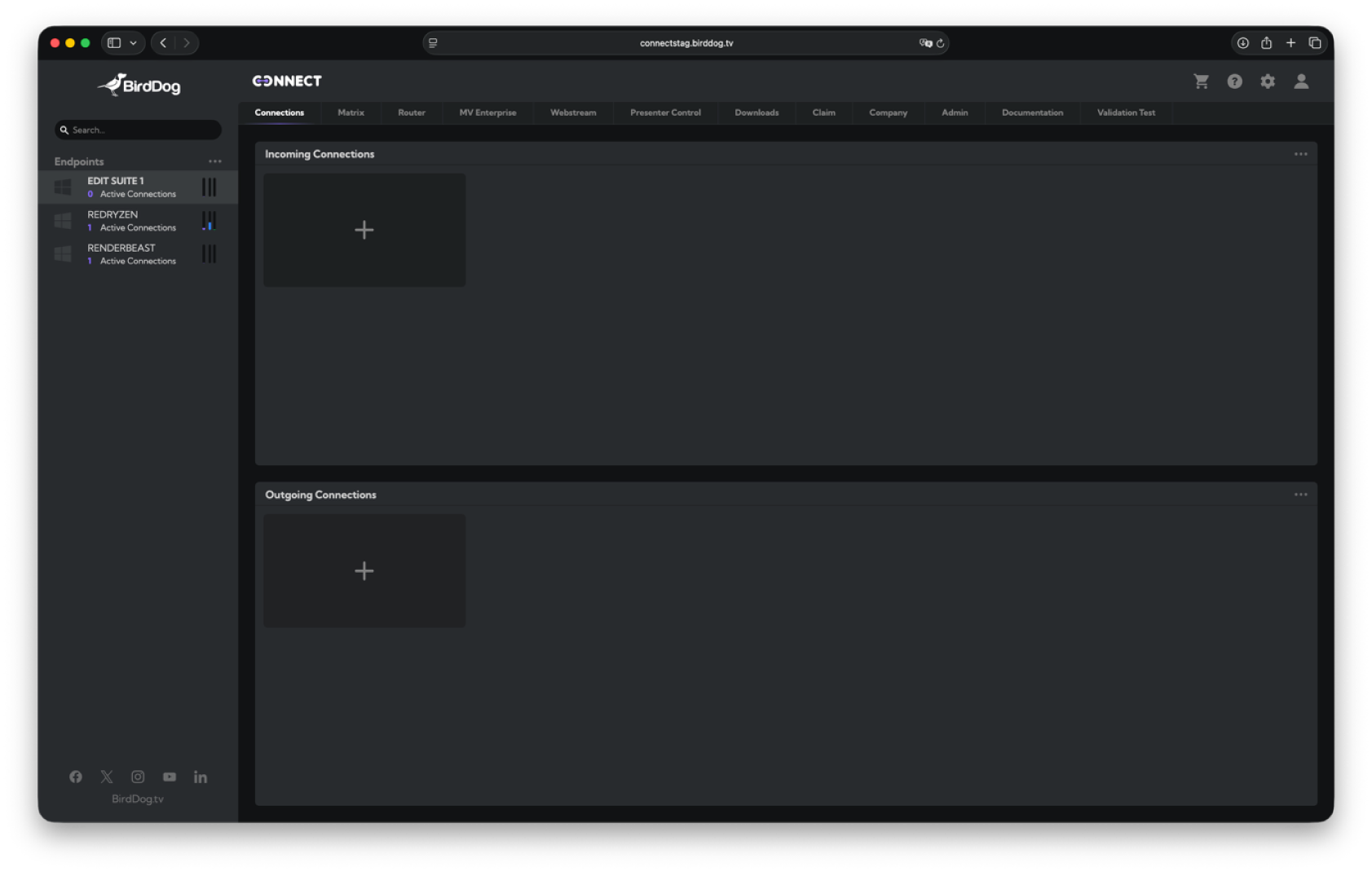
New ToolTips for Incoming & Outgoing Connections
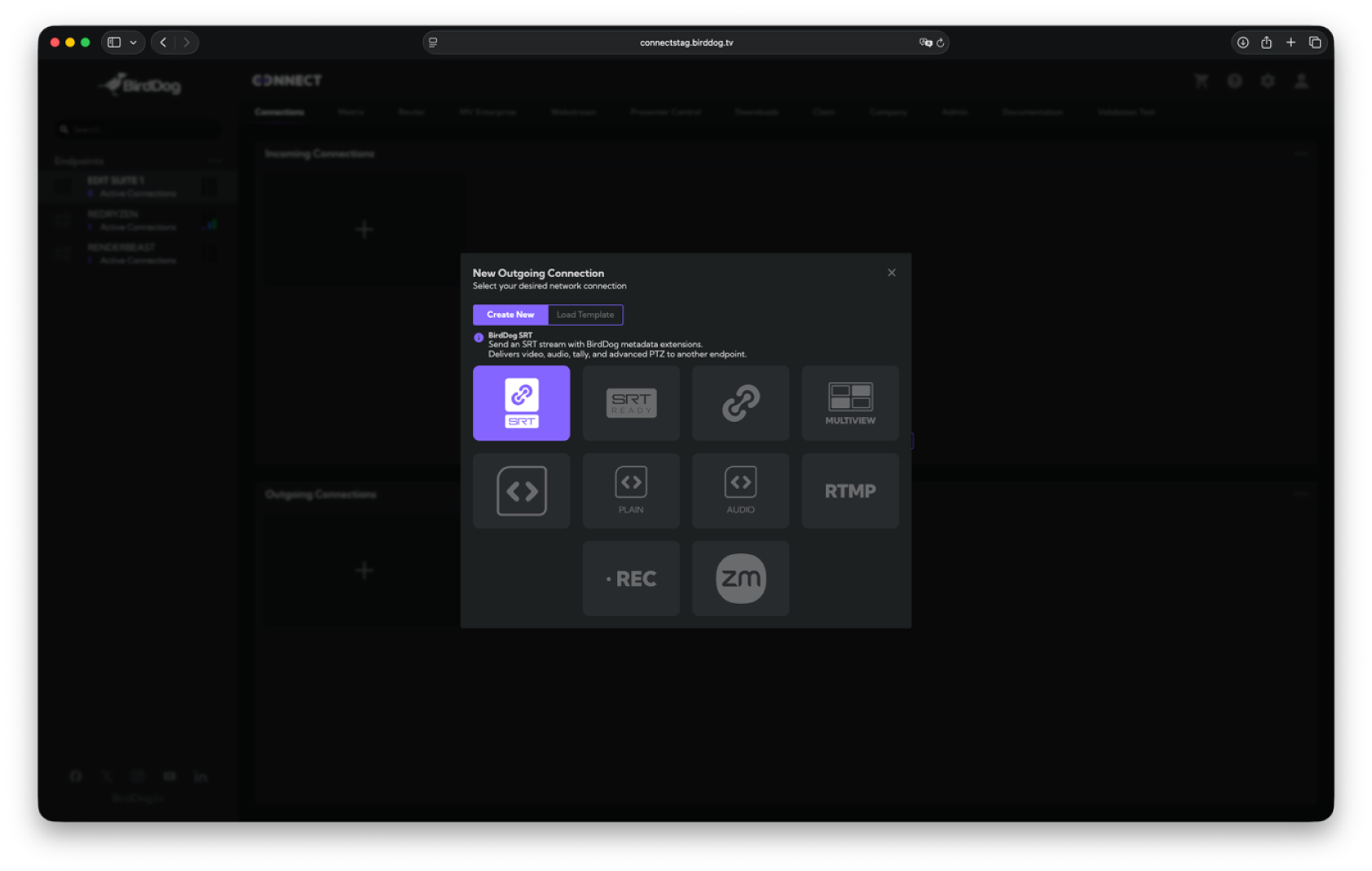
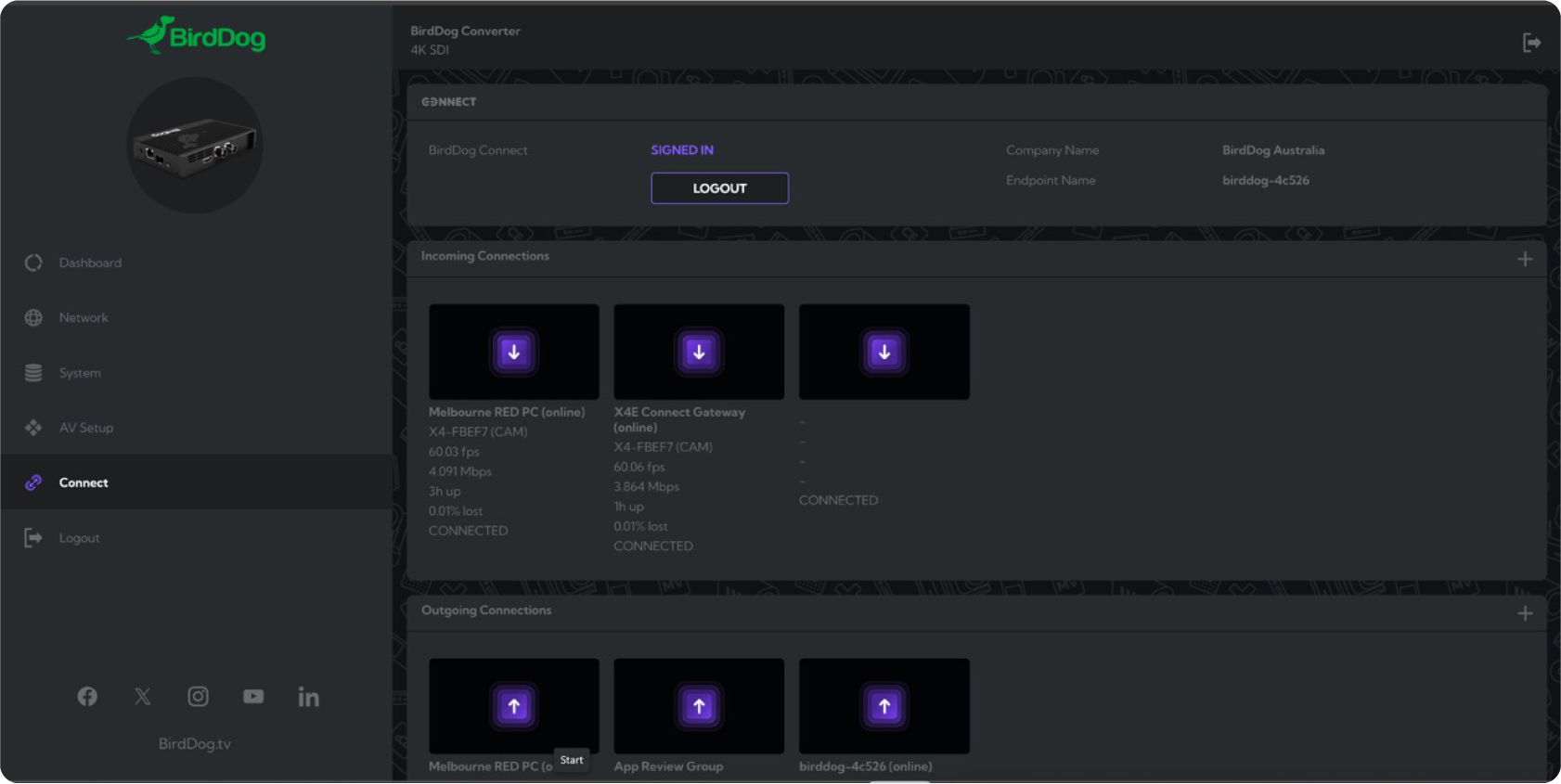
Starting a new Incoming or Outgoing connection now triggers contextual tooltips designed to help users understand what each field means and how Connect will behave once the connection is established. These tooltips are especially useful for users new to Connect, providing extra guidance around protocols, routing paths, and behavioural expectations.
Enhanced Support for BirdDog Cameras & KBD
Remote production workflows can now take fuller advantage of BirdDog PTZ cameras and the BirdDog KBD PTZ Keyboard. Control latency has been reduced, camera response is more predictable, and advanced control features such as precise PTZ moves, zoom control, and exposure changes operate across network boundaries. This update makes remote operation feel more natural and reliable.
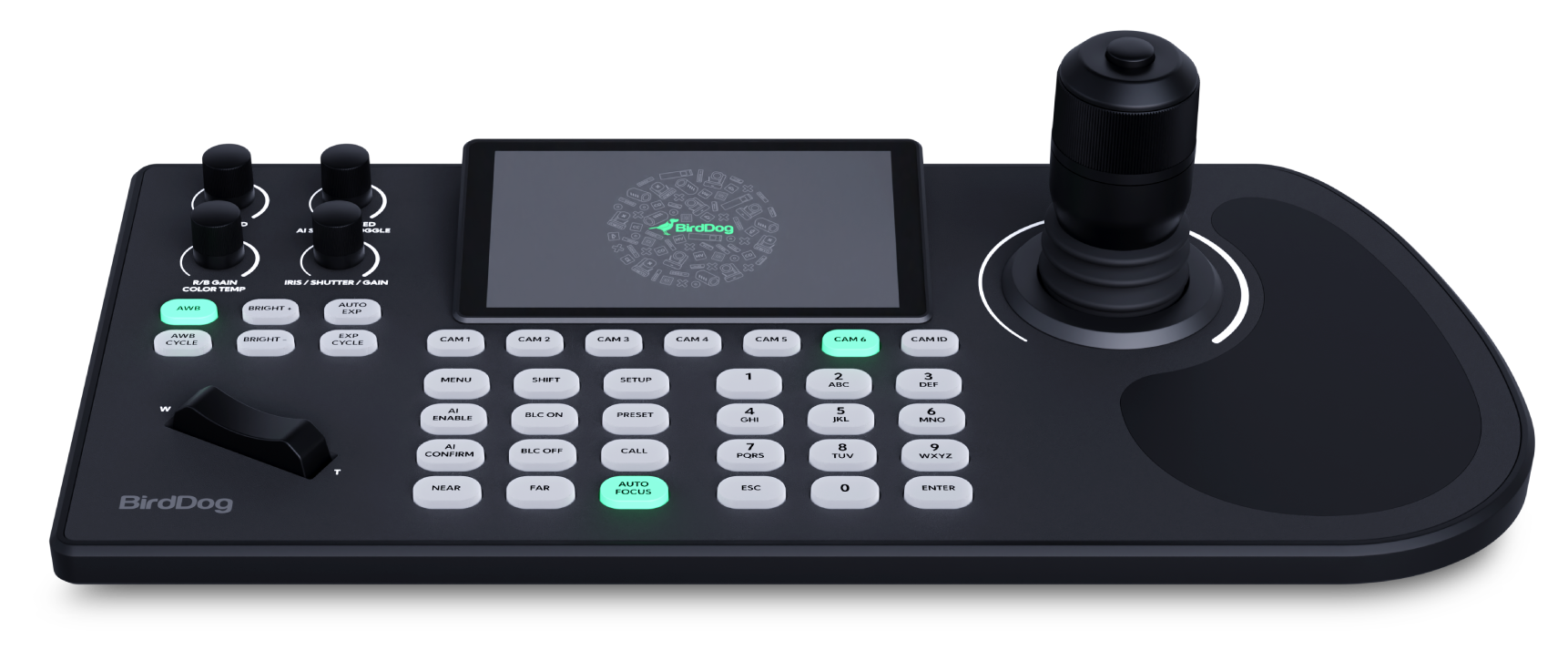
Note: Latest PTZ Camera firmware required.
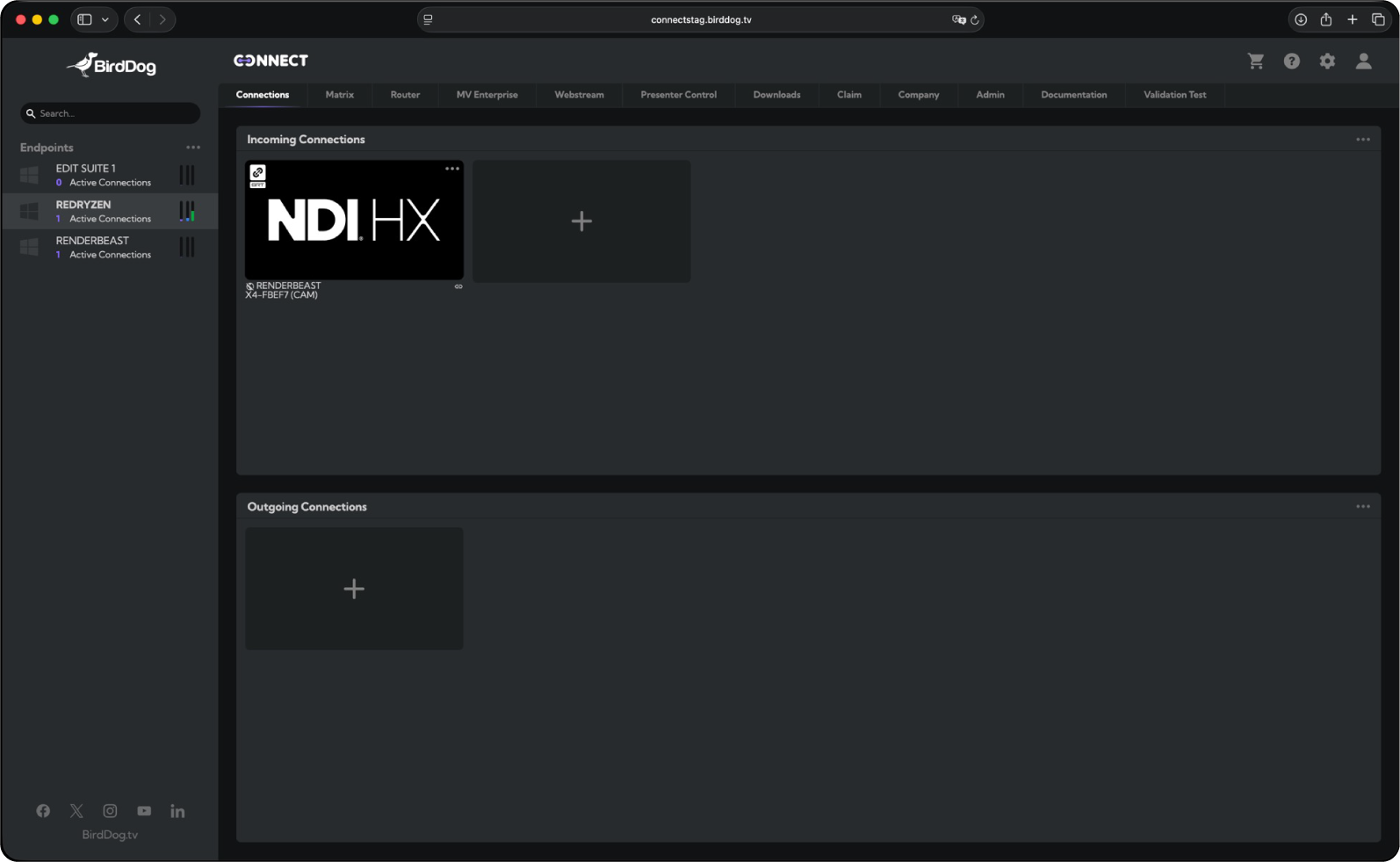
Improved NDI HX Passthrough (H.264 + HEVC)
Connect’s passthrough engine has been upgraded to support both H.264 and HEVC NDI HX streams — including mixed-format Program and Preview sources. This ensures perfect compatibility whether a system is running older HX sources, brand-new HEVC-enabled devices, or a combination of both. Users can now intermix formats without worrying about compatibility or switching behaviour.
Support for Upcoming BirdDog Hardware Gateways
This release includes foundational support for the new BirdDog hardware gateway lineup (coming soon). These devices will allow Connect workflows to be extended using purpose-built, low-latency, hardware-accelerated gateways that integrate directly with the Connect ecosystem. Today’s update ensures compatibility on day one.
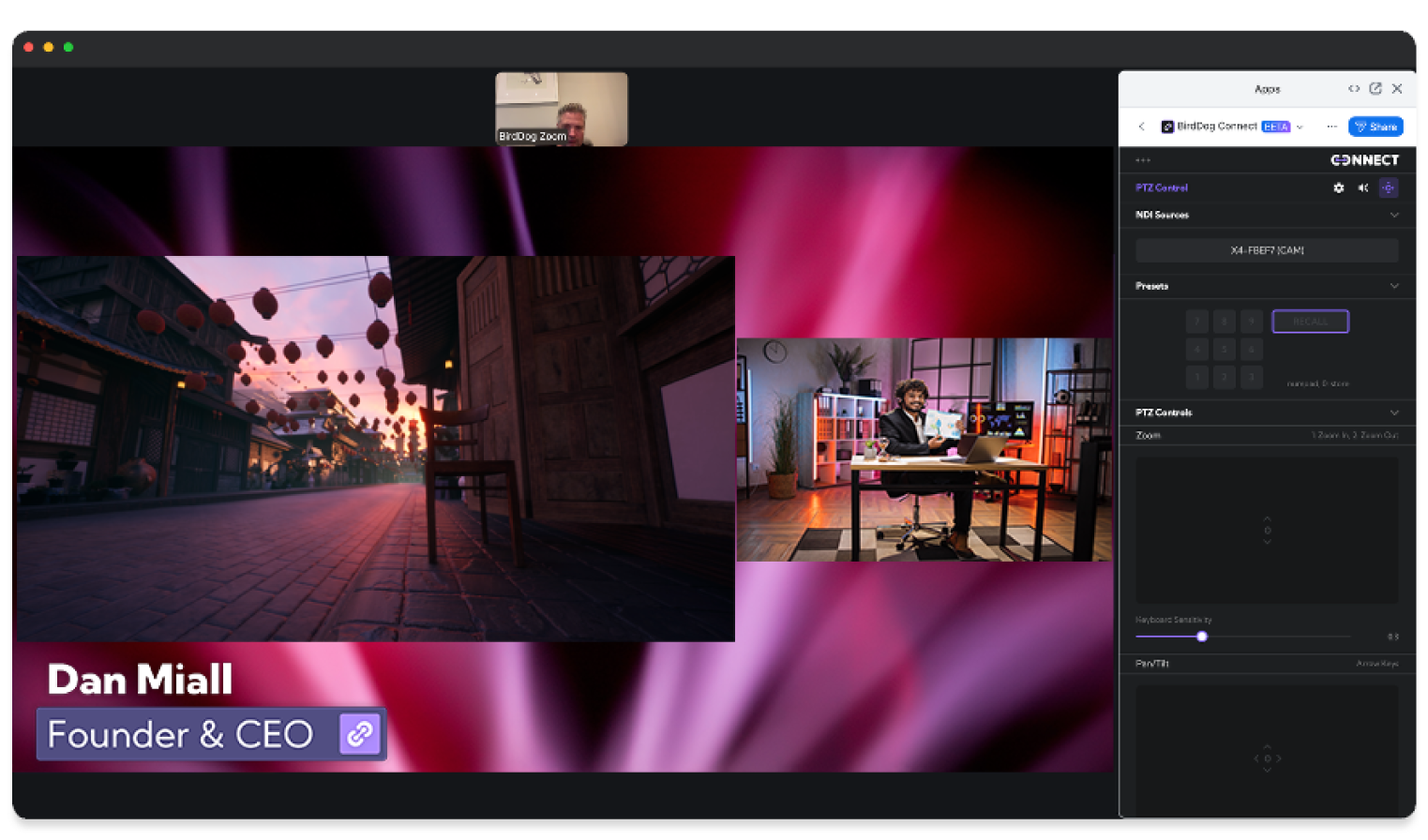
A major step forward for hybrid workflows: Connect now includes a beta integration with Zoom that unlocks Multiview and Presenter control directly in a Zoom call. Users can switch live camera sources, trigger transitions, apply backgrounds, and add graphical overlays — all natively inside Zoom. This significantly enhances the quality of remote presentations, events, and educational sessions.
Accompanying BirdDog Zoom App
Alongside the beta Zoom integration, a new in-meeting BirdDog Zoom App is now available. This app gives presenters direct control over their Connect routing from within any Zoom session. No additional windows, no app-switching — the control layer is available right inside Zoom’s interface for smoother, more intuitive workflows.
Enhanced Post-Production Panels (Adobe & Avid)
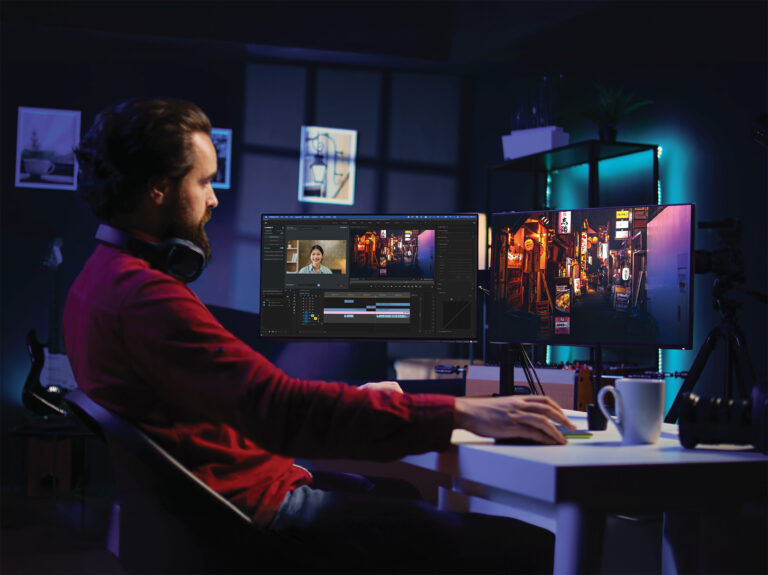
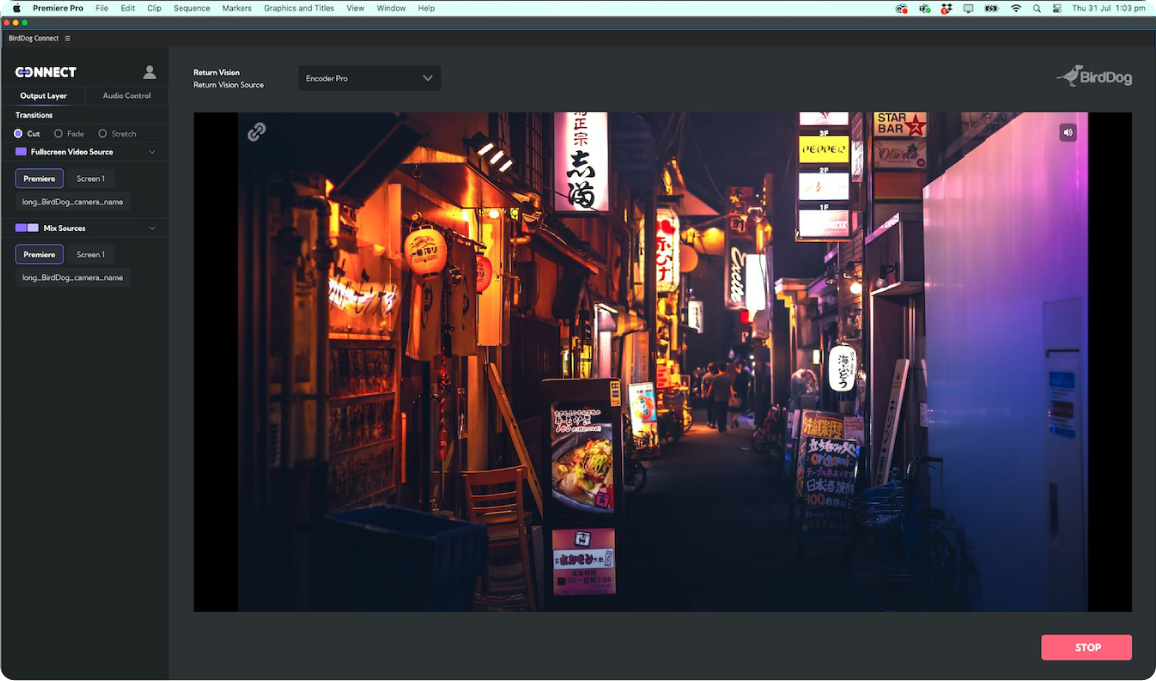
New versions of the BirdDog Panels for Adobe Premiere Pro (UXP-based for the latest releases) and Avid Media Composer bring a streamlined UI and faster workflow. Editors can now browse, preview, and connect to remote clients more efficiently, with improved session recovery, clearer device discovery, and more reliable reconnection handling. These updates aim to make remote review and collaboration significantly smoother.
Friendlier Screen Capture Source Names
Screen Capture sources now show up as “Screen 1”, “Screen 2”, “Screen 3”, and so on, instead of more ambiguous system labels. This small but important usability improvement makes it far easier to identify which monitor or display is being shared — especially on multi-screen setups.
Updated BirdDog Reporter Software
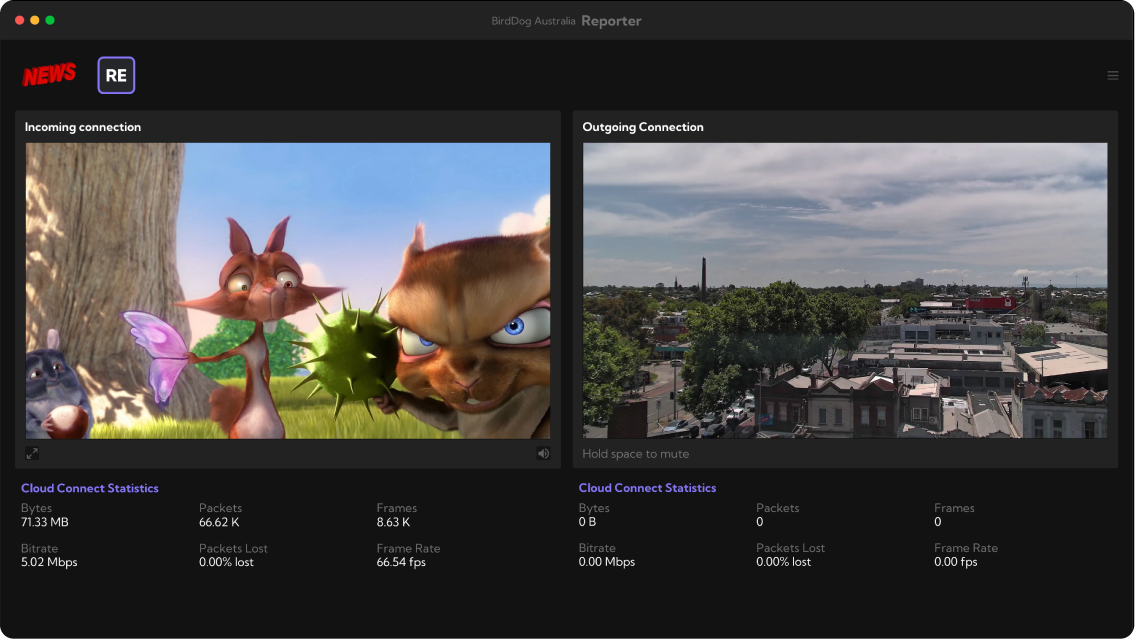
The included BirdDog Reporter app has been updated to the latest version, offering improved stability, better audio/video synchronisation, and updated UI elements. This ensures that contributors using Reporter have a more consistent experience when joining Connect-powered workflows.
NEW: Connect Endpoint Version
A new Connect endpoint build is included with this release. This update improves reliability, codec handling, and routing behaviour across Windows and macOS endpoints.
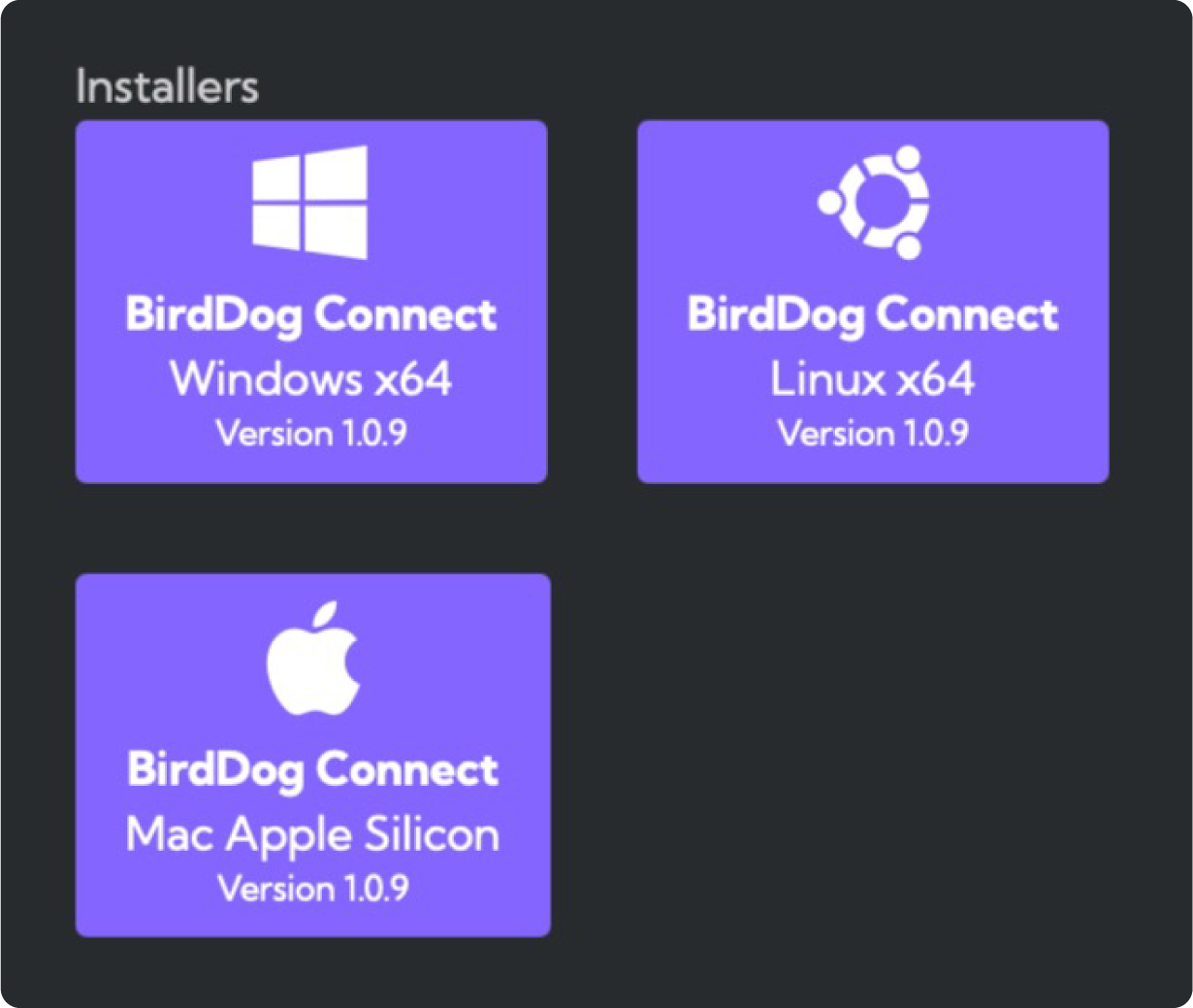
We strongly recommend updating all computer-based gateways to ensure full compatibility with the latest features.
Fixes in this Release
Router Outputs Now Pass Through NDI PTZ Control
A long-standing issue preventing PTZ control metadata from passing through Router outputs has been resolved. PTZ commands now travel correctly through routed paths, enabling remote operators to control cameras even when routing through Matrix or Router configurations.
Matrix View Connection Creation
An issue causing some connections to fail when initiated from Matrix view has been corrected. Users can now create routes and connections directly within Matrix view without unexpected errors or stalled states.
Presenter Mode Transition Flash
When switching between sources of different colour depths, some users experienced a brief flash during transitions. This has now been fixed, ensuring Presenter mode transitions are smooth and visually consistent regardless of the source format.