This month’s BirdDog Connect release is all about making workflows easier, more engaging, and more flexible than ever.
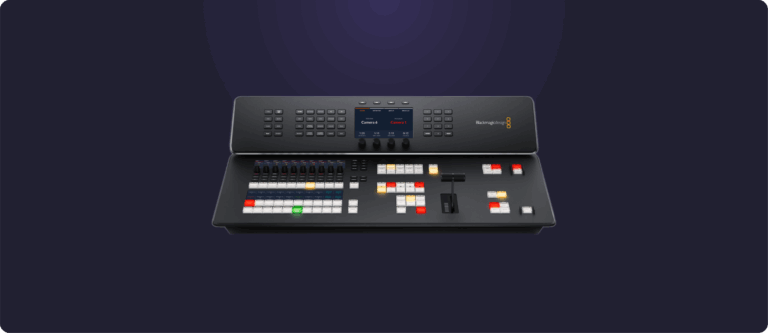
The headline feature? Our brand new Full Screen Switcher Interface. You can now run a fully interactive vision switcher right inside BirdDog Connect – no extra software, no extra setup. And the best part? You can drive it in real time from your web browser.
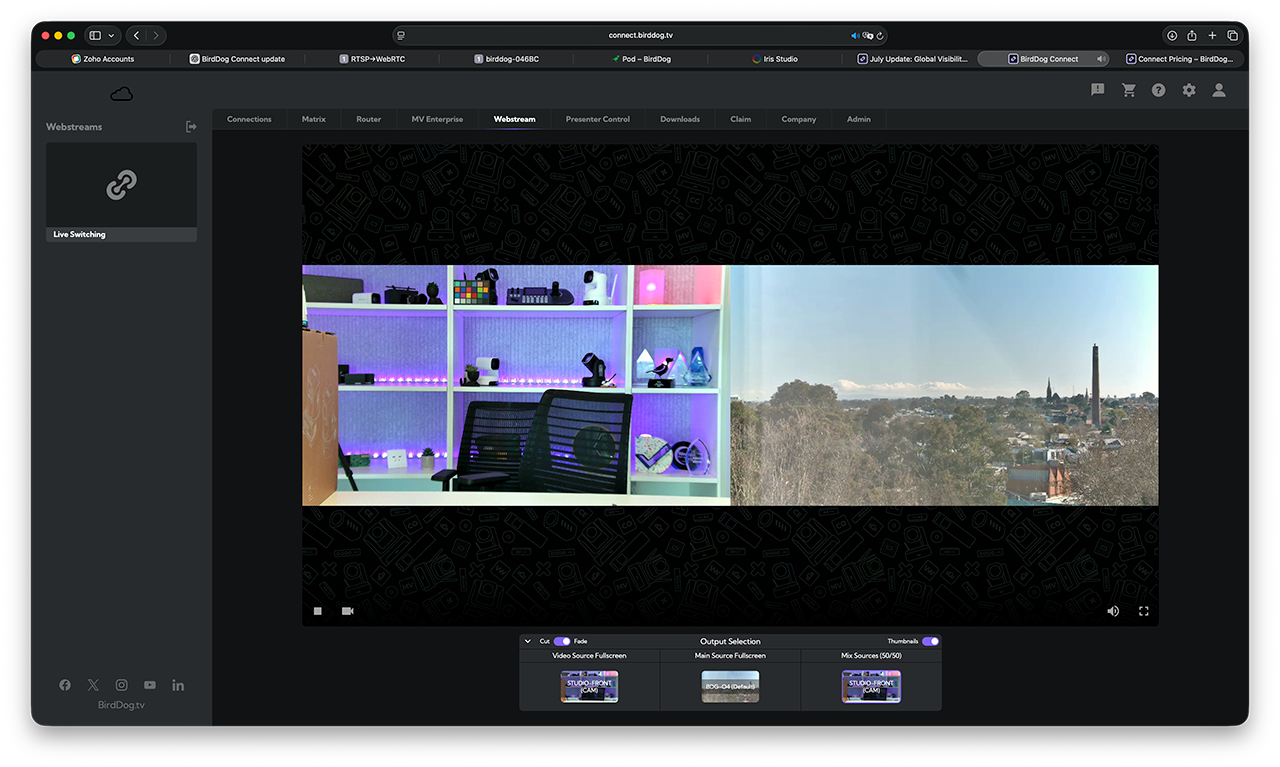
Whether you’re running a quick edit review, a multi-source live session, or a complex production, you can now create, control, and adapt your switcher setup on the fly. This isn’t just for big events – think of it as micro-service based vision switching. Spin up and shut down production sessions when you need them, complete with picture-in-picture layouts, video overlays, backgrounds, and smooth transitions – all built into Connect.
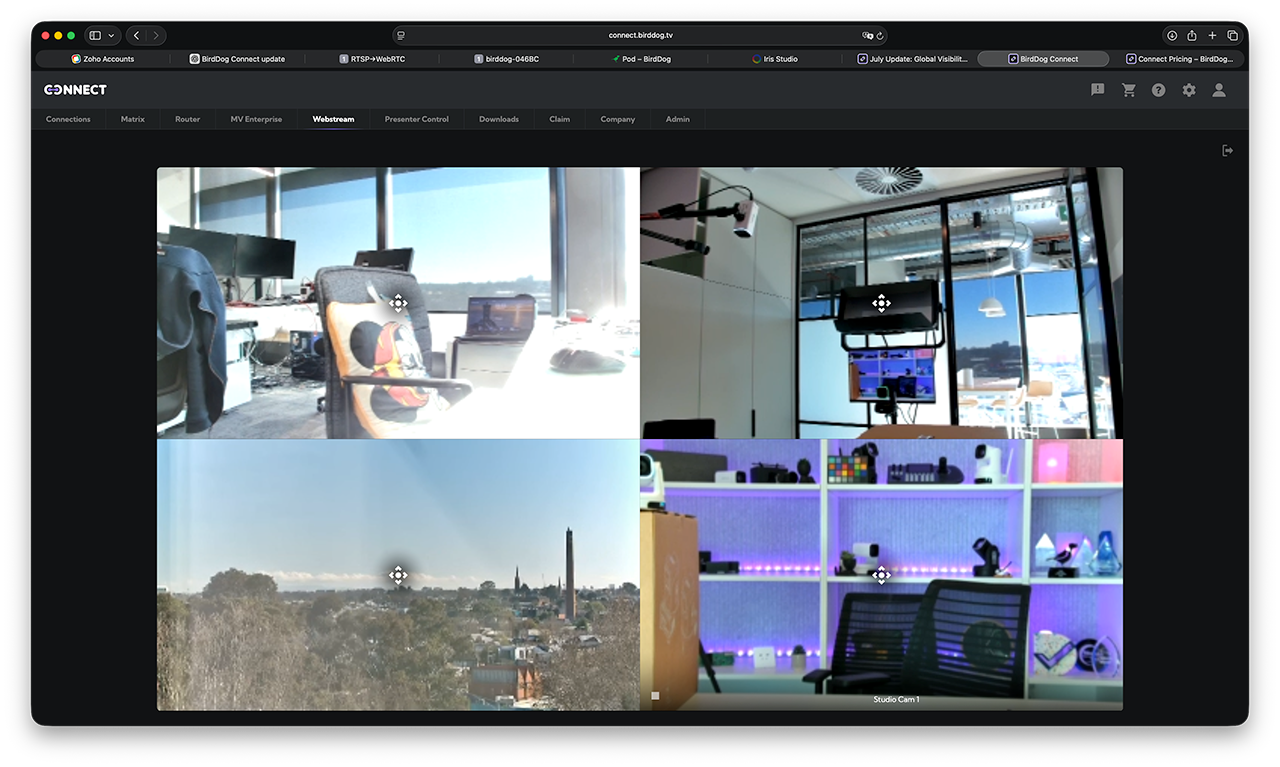
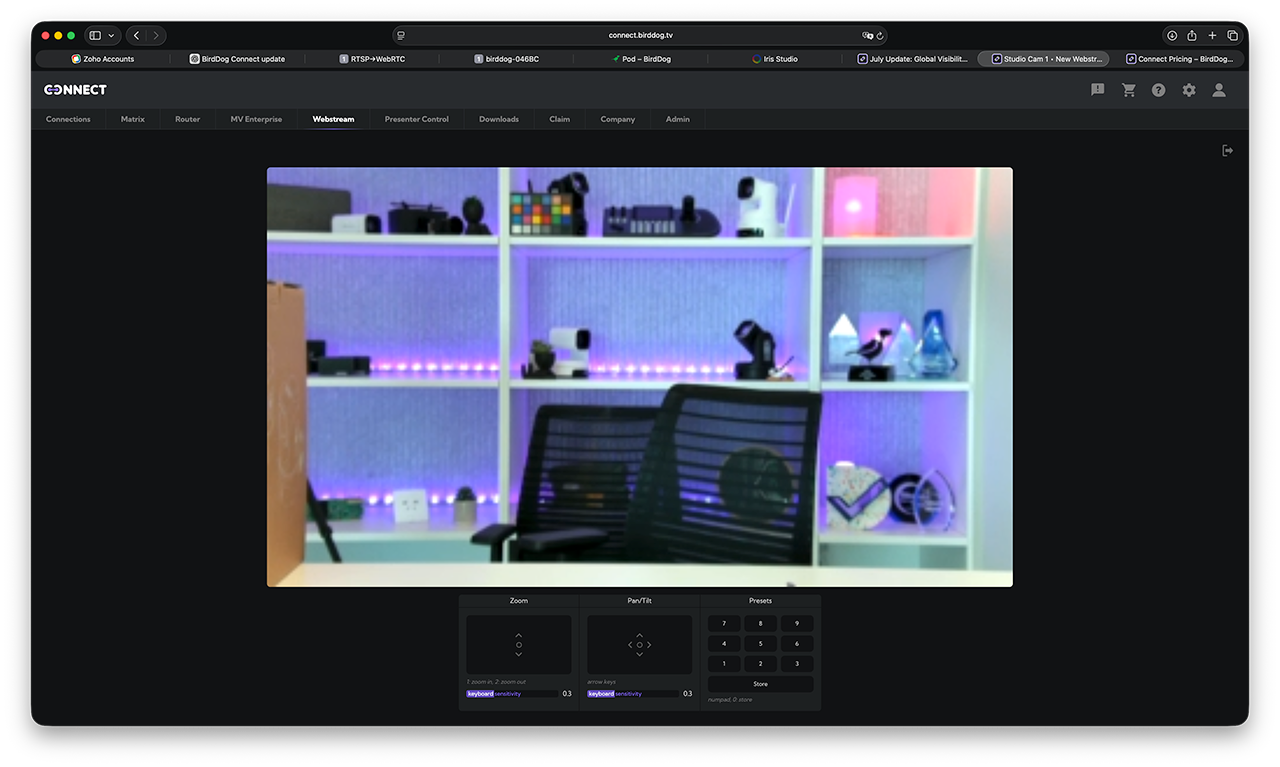
Dynamic Camera Views – Monitor and Control Anywhere.
Something that’s often overlooked about BirdDog Connect is its ability to create dynamic views of all your cameras, wherever they’re located. Monitor them all directly in your browser, then click on any camera to bring it up to full screen. From there you can move it around, pan, tilt, zoom, and recall presets – instantly.
With deep integration across all BirdDog products, Connect also gives you remote access to the full BirdDog web UI for each device, so you can make detailed adjustments without leaving your session. Whether you’re checking cameras in another building or on the other side of the world, control is right at your fingertips.
Bitfocus Companion – Hardware Control Like Never Before.
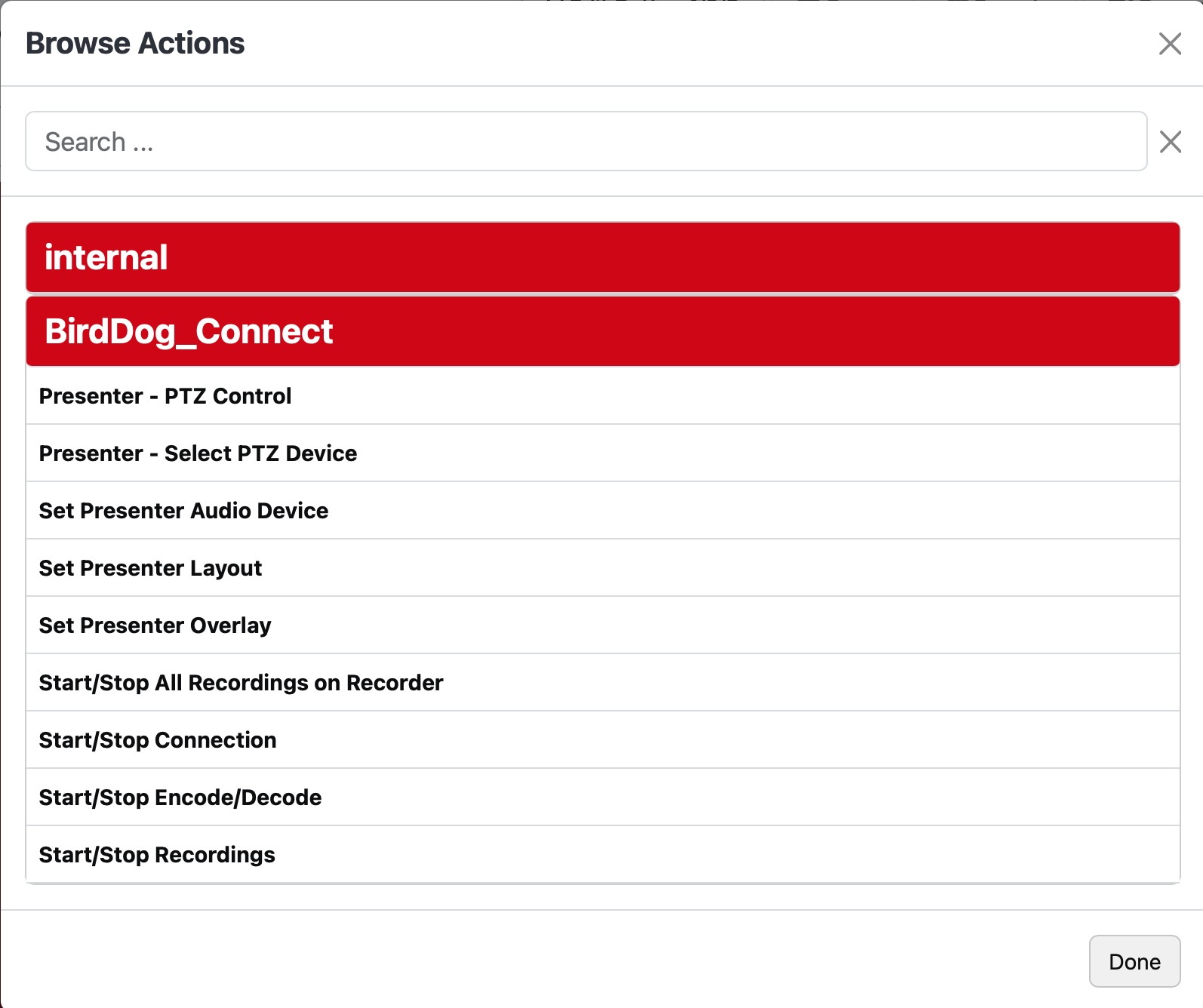
We’re also excited to announce the brand new version of the Bitfocus Companion plugin for BirdDog Connect – a real game changer. You can now map virtually any Connect function to a hardware button, such as an Elgato Stream Deck.
It’s more than just shortcuts. The updated plugin includes live monitoring so you can see at a glance if your connection is active, and it gives you full PTZ control, the ability to start and stop connections, recall video positions, add overlays, or switch sources during a live broadcast – all from a single, fully integrated hardware interface.
We’ve also been busy making Connect easier to get started with. Our brand new Adobe Premiere walkthrough demoshows you how to sign up and be running live edit review and approval workflows in just minutes. Perfect for post-production teams who want to collaborate without the technical headaches.
BirdDog Connect is becoming the go-to platform for real-time video workflows, whether you’re in live production, post, or somewhere in between – and this update is another big step forward.